Voice Dream vs Readwise ReaderKeep your place. Keep listening offline.
Looking for a Readwise Reader alternative? Take your reading beyond the reach of Wi-Fi. Voice Dream reads your saved books and documents aloud on your device, with unlimited offline listening and accessible controls at the heart of the experience.
Keep the story going.Offline voices. Unlimited listening.
Bring your library.PDFs, EPUBs, documents and more.
Leave the limits behind.No word quota with offline voices.
Make it yours.Accessible reading, your way.
Built for the way you read
Choose Voice Dream if…
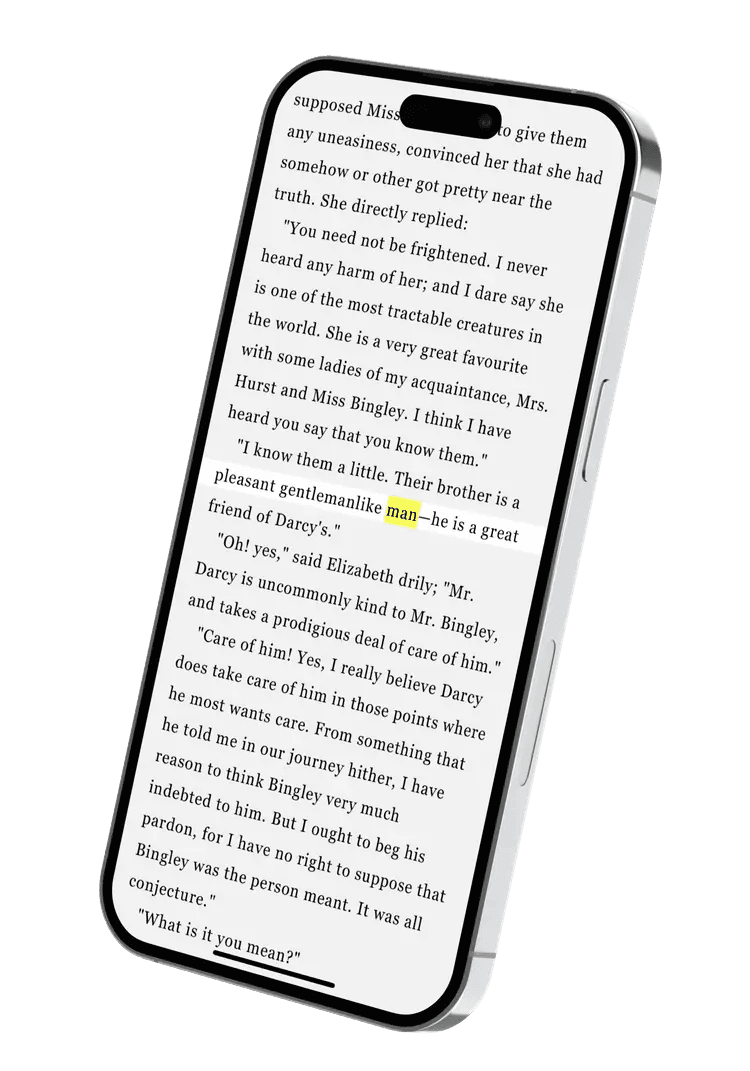
You want listening to keep going when your connection stops. Voice Dream reads saved documents with downloaded voices, with highlights, notes and pronunciation controls built into your reading routine.
You want an inbox for newsletters, RSS and web articles, with highlights flowing into Readwise and note-taking apps such as Notion or Obsidian.
The details that matter
More reading. Less getting in the way.
Competitor details checked against public documentation. Reviewed 28 October 2026.
Scroll across to compare both readers.
Voice Dream compared with Readwise Reader
Your reading, your way
Voice Dream
Readwise Reader
Reading focus
A personal document library built around accessible reading and unlimited listening with offline voices.
Collecting, reading and annotating content, with highlights connected to the wider Readwise service. [1]
Away from Wi-Fi
Read saved documents aloud on your device using downloaded voices. No audio conversion step needed.
Text-to-speech needs an internet connection, even when documents are saved for offline visual reading. [2]
Your documents
PDF, DRM-free EPUB, Word, PowerPoint, DAISY, text, HTML and audio files on iPhone and iPad.
PDFs, EPUBs, web articles, newsletters, RSS and video transcripts. [1]
Your reading routine
Highlight passages, save notes and bookmarks, and adjust pronunciation and playback.
Highlights, tags and notes, with exports through Readwise to connected note-taking apps. [1]
AI reading tools
AI summaries and chat, alongside your reading and listening tools.
Ghostreader summaries and questions, including library-wide chat on web and desktop. [3]
Devices
Made for iPhone, iPad and Mac. File support and features vary by platform.
Web, desktop, iOS and Android, plus browser extensions. [1]
Offline listening uses documents and voices already on your device. Internet is needed for downloads and sync. Document support shown is for iPhone and iPad; Mac features differ. DRM-protected books are not supported.
One home for what you read
The paper. The book. The entire reading list.
Course notes in a PDF. A DRM-free EPUB for the weekend. A report for the commute. Voice Dream brings them together, ready when you are.
Choose Voice Dream when you want to keep listening on a flight, on a commute or wherever a connection drops. Saved documents and downloaded voices stay ready to read aloud, with highlighting, notes, pronunciation controls and accessible reading options in the same library.
Can Readwise Reader play text-to-speech offline?
Its documentation says text-to-speech requires an internet connection because speech is generated on request. Saving a document for offline visual reading does not make its speech available offline. Voice Dream’s downloaded voices read saved text on your device.
What does unlimited offline listening mean?
With Voice Dream access, you can listen to saved documents using offline voices without a monthly word, character or listening-time allowance. Download the documents and voices first. Internet is still needed for downloads, online content and syncing.
Can I bring all my books and documents?
Voice Dream supports a wide range of formats, including PDFs, DRM-free EPUBs, Word documents, PowerPoint, DAISY and audio files on iPhone and iPad. It cannot open DRM-protected Kindle, Apple Books or other locked books. File support varies on Mac.
Does Voice Dream work with VoiceOver?
Yes. Voice Dream supports VoiceOver, Dynamic Type, Voice Control and refreshable braille displays. You can listen, follow along visually, or use the accessibility tools that work for you.

 Voice Dream