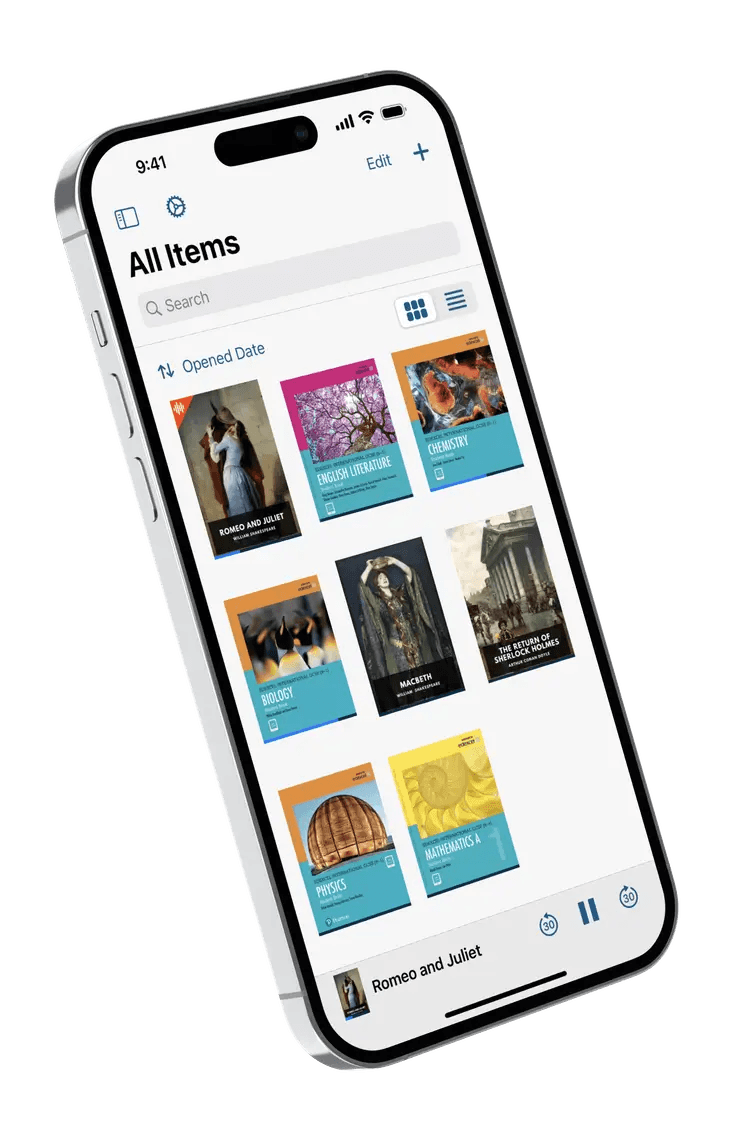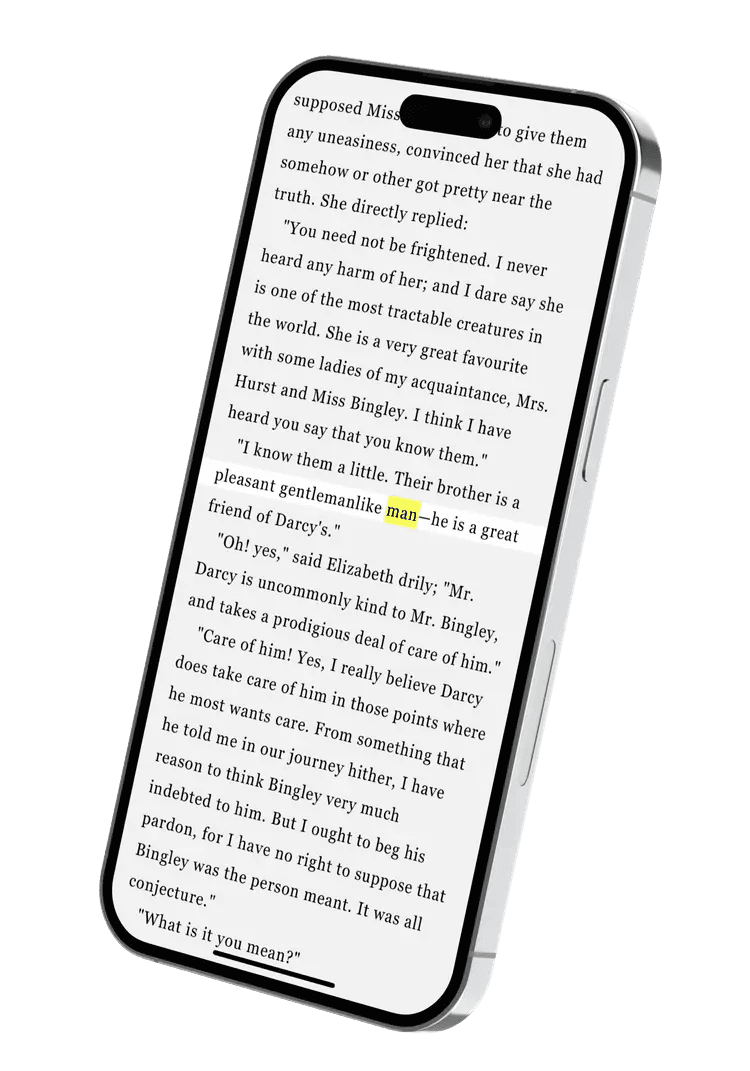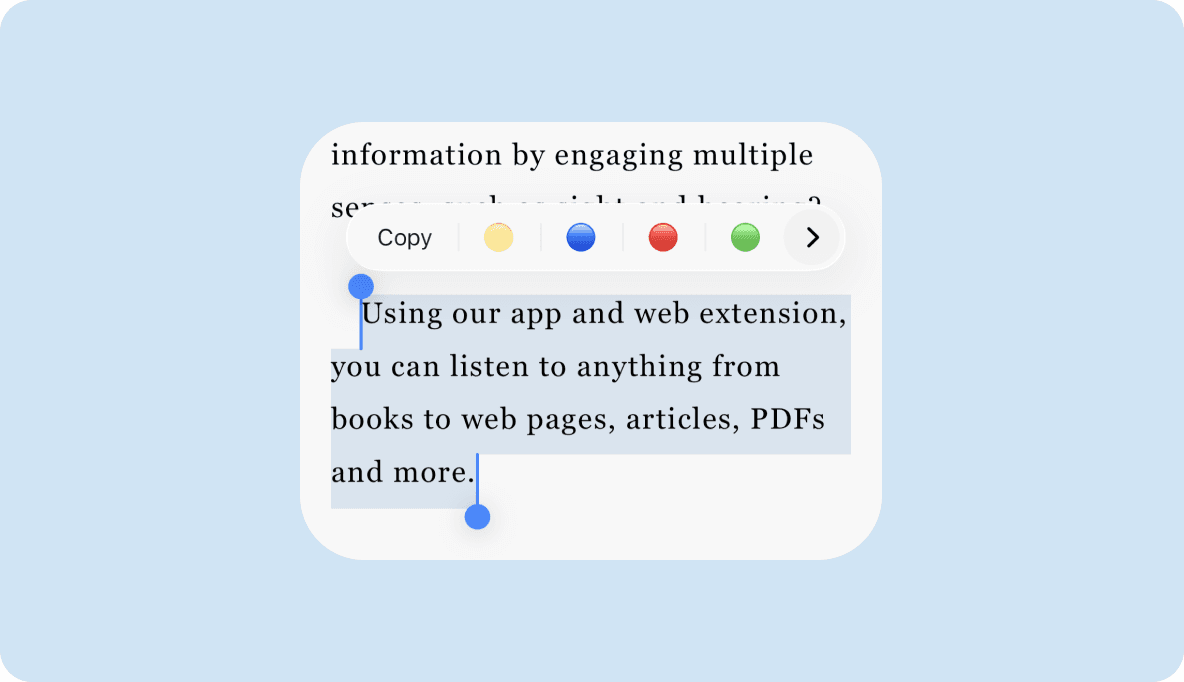
PDF text to speech · For iPhone & iPad
Read PDFs aloud. Keep your day moving.
Turn the PDFs you need to read into audio you can listen to. Choose a voice, set your pace, and take your reading with you.
 iPhone & iPad app. Subscription required.

4.5 stars

Hear it for yourself
Your next PDF could sound like this.
A short sample. No account needed.
Good ideas do not have to wait for a quiet desk. Take the words that matter with you, one page at a time.
0:00 / –:––
Your own PDFs are read in the Voice Dream app.
How it works
From PDF to listening, in three steps.
- 1
Get Voice Dream
Create your account, review your subscription, then install the app.
- 2
Add your PDF
Import a document from Files or your connected cloud storage.
- 3
Choose a voice. Press play.
Set your pace and follow the words as you listen.
A reading experience that works for you.
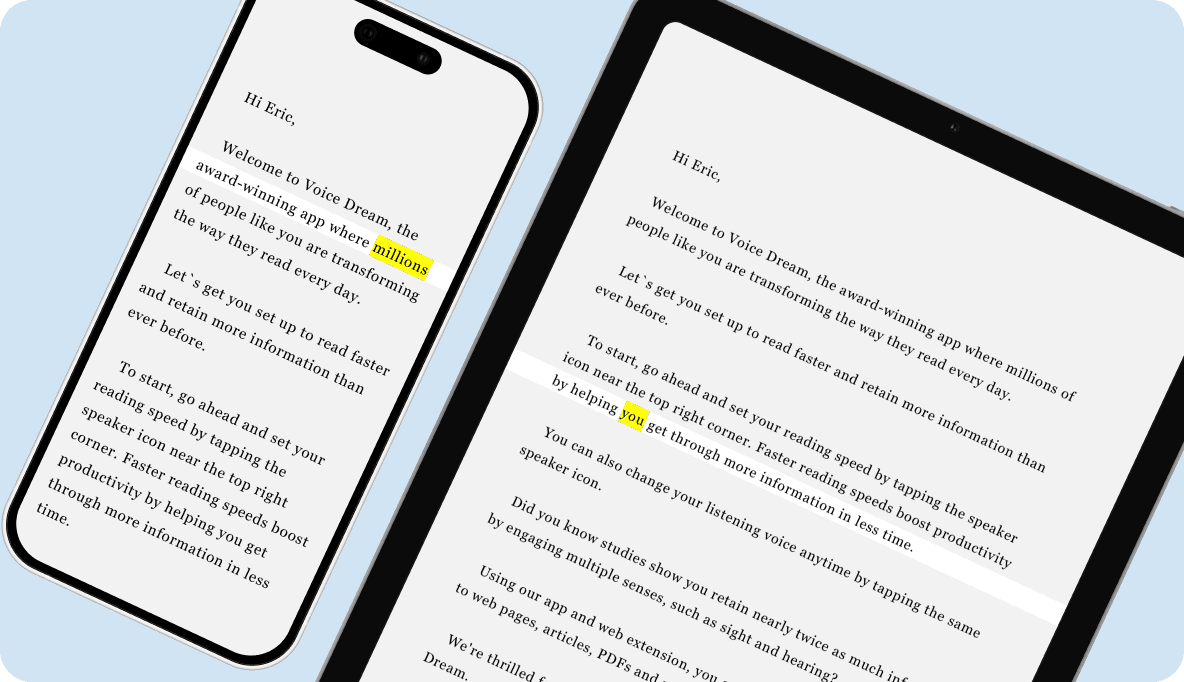
Keep listening off-screen. Take downloaded documents and voices with you. Listen offline, even with your screen locked.
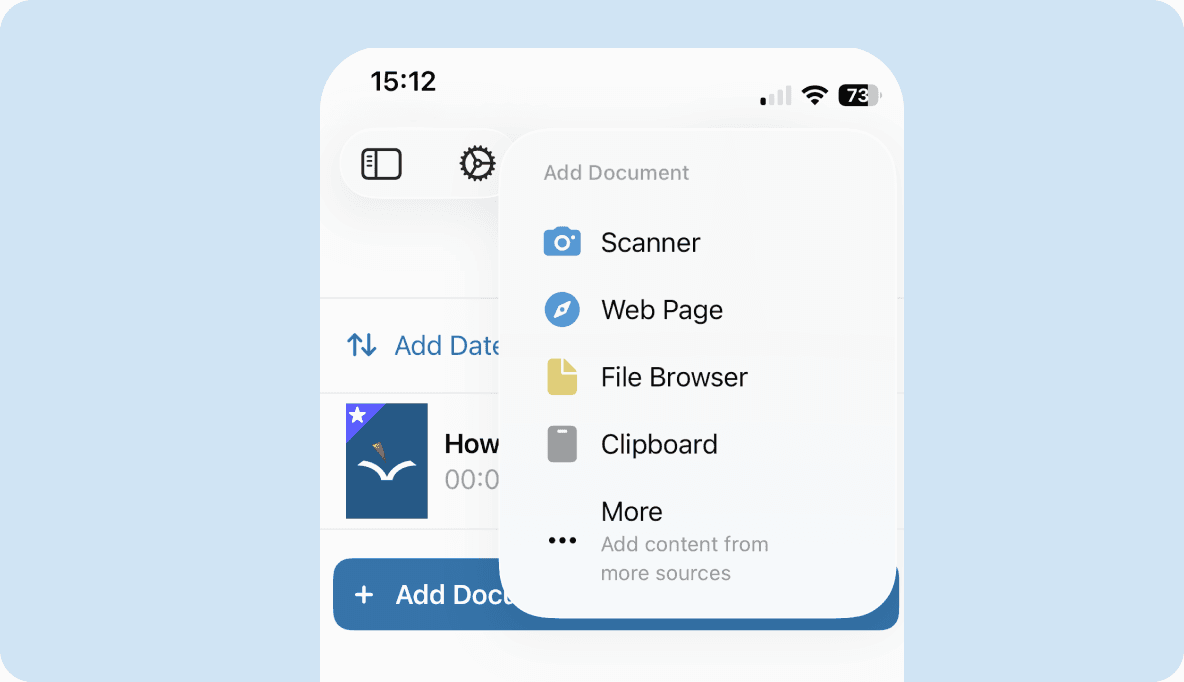
Bring in any PDF. Import from Files, connected cloud storage, the web, and more.
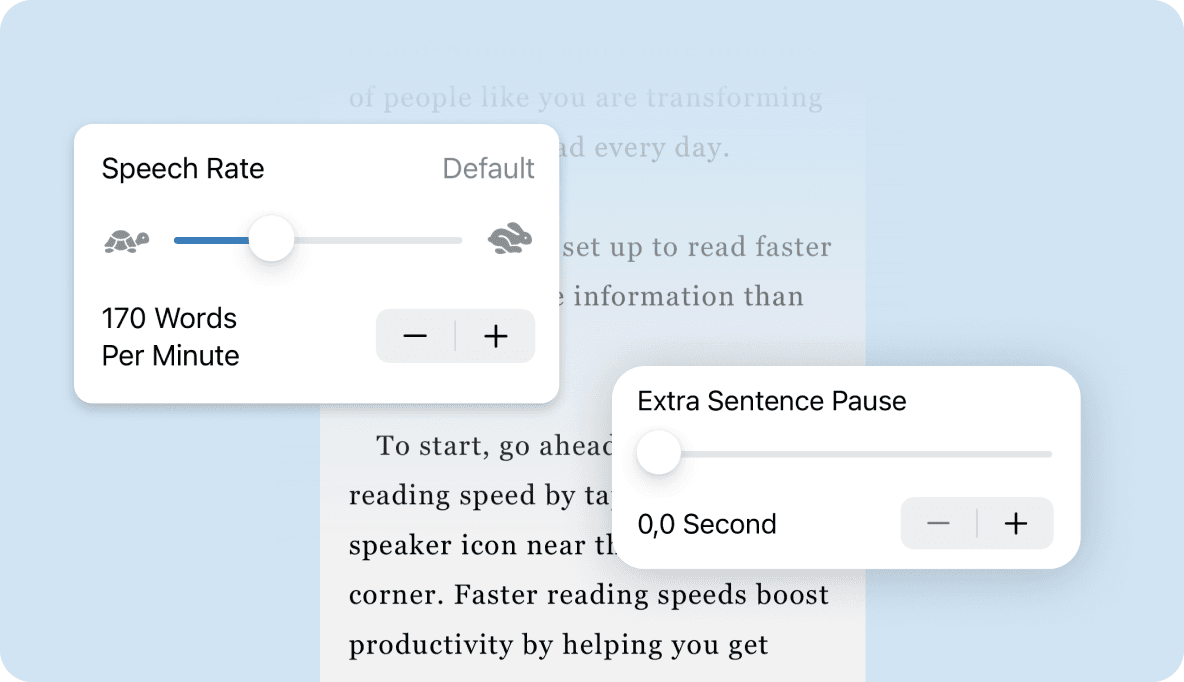
Listen your way. Choose your voice and adjust the speed, pronunciation, and playback settings.
For the reading already in your day.
Work
Listen to reports and longer documents.
Study
Hear course PDFs and follow along.
Everyday reading
Bring saved articles into your listening time.
Accessibility
Built for people who read differently.
VoiceOver support, adjustable text, and flexible reading controls help you make the page your own.
Full VoiceOver support
Every screen, control, and gesture is labeled and tested with VoiceOver. You can run the whole app without ever looking at it.
Dynamic Type everywhere
Text scales to the size that feels comfortable for you, across the whole app, not just the reader.
Voice Control ready
Hands full, or keyboard out of reach? Navigate your library and control playback entirely by voice.
Braille display support
Works with refreshable braille displays, so you can read along in braille while you listen, or instead.
FAQs
A few things to know.
Yes. Import a PDF in the app, choose a voice, and press play.
This page offers a sample. Your documents are read in the iPhone or iPad app.
Download the app and sign in with the same email you used to subscribe.
Review the current price, billing period, and renewal terms before you confirm.
Yes. The Mac app has separate subscription terms.

Make room for your next read.
Start with the PDF you have been meaning to finish.
 For iPhone & iPad. Subscription details before you confirm.